
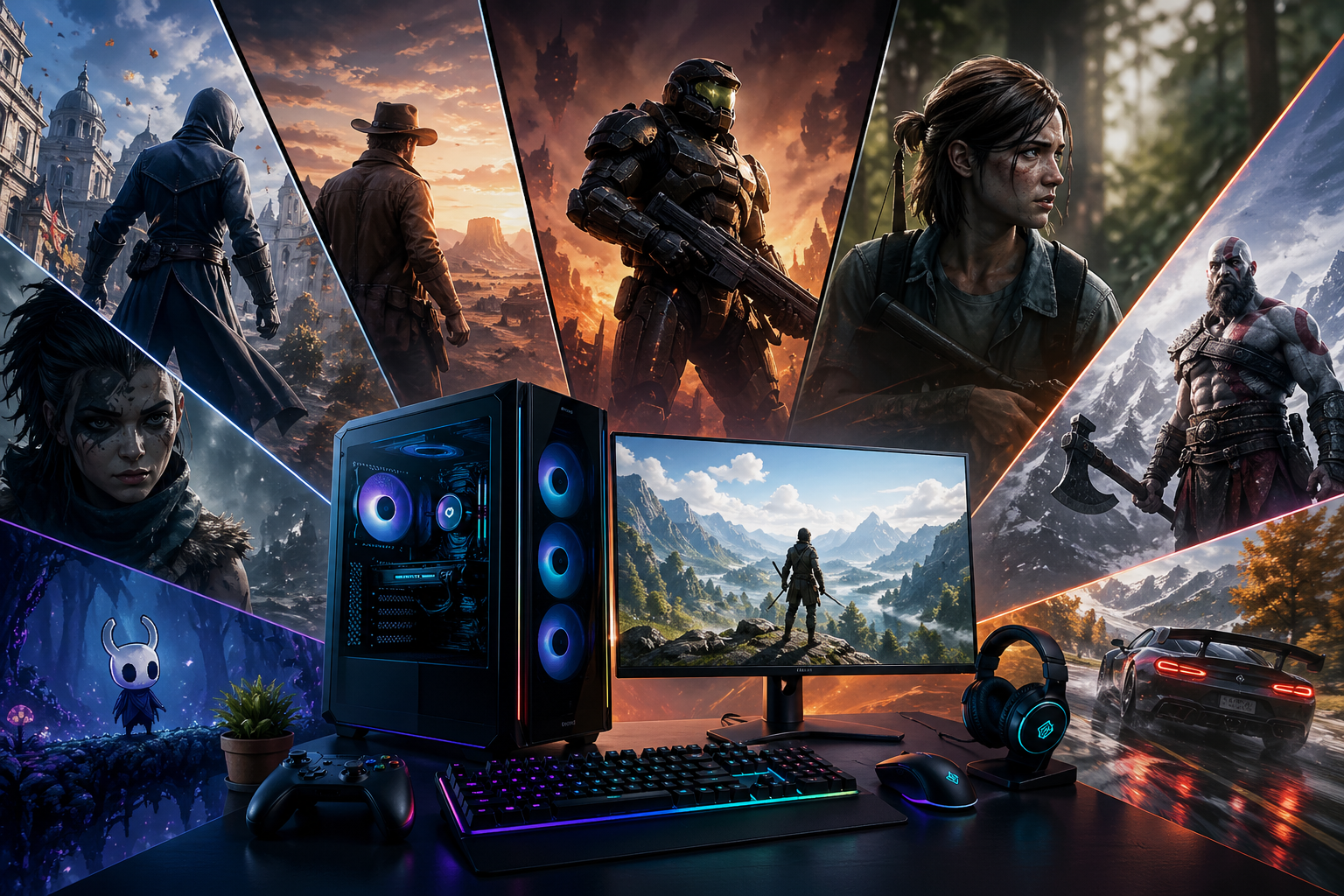
Introduction to Offline Gaming on Windows 11
Offline gaming still holds a strong place in 2026, even with the rise of cloud gaming and online multiplayer platforms. Many players prefer offline PC games for Windows 11 because they offer uninterrupted gameplay, no dependency on internet speed, and a more stable gaming experience overall.
Whether someone has a low-end Windows Gaming setup or a high performance gaming rig, offline games provide flexibility. You can enjoy story driven adventures, strategy challenges, or action packed missions without worrying about lag or disconnections. Windows 11 has also improved compatibility, making older and modern offline titles run smoothly with better optimization and system support.
Why Offline PC Games Still Matter in 2026
Even in a connected world, offline games continue to grow in popularity. There are several reasons behind this trend.
First, offline gaming gives full control over performance. Players can adjust graphics settings, resolution, and frame rates without relying on server stability. This is especially helpful for users who prefer smooth gameplay over online competition.
Second, offline games save data usage. Many users in different regions still deal with limited or expensive internet access, so offline gameplay becomes a practical solution.
Third, it offers a distraction free environment. Without online notifications or multiplayer pressure, players can fully enjoy the storyline and gameplay at their own pace.
Windows 11 enhances all of this by providing better driver support, faster boot times, and improved hardware compatibility.
Best Offline PC Games for Windows 11 Users
Here is a carefully selected list of offline PC games that run smoothly on Windows 11 and deliver strong gameplay experiences.
1. The Witcher 3 Wild Hunt: This game remains one of the most immersive RPG experiences even in 2026. It offers a deep storyline, rich character development, and a massive open world.
2. GTA V Story Mode: Grand Theft Auto V is still a top choice for offline gaming. While it has an online mode, the story mode can be fully enjoyed without internet.
3. Elden Ring: For players who enjoy challenging gameplay, Elden Ring is a strong offline experience with deep exploration and combat.
4. Assassin’s Creed Valhalla: This game brings Viking era storytelling into an open world format with large landscapes and strong progression systems.
5. Red Dead Redemption 2: One of the most realistic offline experiences with emotional storytelling and detailed world design.
6. Minecraft Offline Mode: Perfect for creative gameplay and survival mode without internet dependency.
7. Far Cry 6: Action packed gameplay with smooth offline performance on optimized Windows 11 systems.
How to Improve Offline Gaming Performance on Windows 11
To get the best experience from offline PC games, system optimization is important. Here are some useful tips:
- Keep your graphics drivers updated for better compatibility and FPS stability.
- Close unnecessary background applications to free up RAM usage.
- Use SSD storage instead of HDD for faster loading times.
- Adjust in game graphics settings based on your system capability.
- Enable game mode in Windows 11 for smoother performance.
These small adjustments can significantly improve gameplay quality and reduce lag.
Offline Gaming for Low End PCs
Not every user has a high end gaming system. Fortunately, Windows 11 still supports many lightweight offline games. Games like older RPG titles, indie games, and strategy based games can run smoothly on low specifications. Adjusting resolution and graphics settings also helps maintain stable FPS without sacrificing gameplay quality. Offline gaming ensures that even basic laptops can deliver enjoyable entertainment without heavy system strain. A good example of this balance between performance and accessibility is seen in Free Smooth PC Games, where even entry level systems can handle smooth gameplay without interruptions.
Future of Offline PC Gaming
Even though online gaming continues to grow, offline PC games will always remain relevant. Developers are focusing on hybrid experiences where games can function both online and offline.
Windows 11 is expected to improve compatibility even further with future updates, making offline gaming more stable and accessible.
Players will continue to value story driven and single player experiences, especially those who prefer calm and uninterrupted gameplay.
At the same time, advancements in graphics and optimization will push High Graphics Windows Games to new levels, giving offline players a more cinematic and immersive experience than ever before.
Conclusion
Offline PC games for Windows 11 offer a reliable and enjoyable way to experience gaming without internet dependency. From action packed titles to deep RPG adventures, there is something for every type of player.
Whether you have a high performance setup or a simple laptop, offline games ensure smooth entertainment, stable performance, and full control over your gaming experience.
Choosing the right games and optimizing your system can make a huge difference in how enjoyable your gameplay feels.
FAQs – Offline PC Games for Windows 11
1. Can I play offline PC games on Windows 11 without internet?
Yes, you can easily play offline PC games on Windows 11 without an internet connection. Once the game is installed and activated, most single player games work fully offline.
2. Do offline games run better on Windows 11?
In many cases, yes. Windows 11 improves system optimization, driver support, and memory management, which helps offline games run smoother compared to older operating systems.
3. What are the best offline PC games for low end laptops?
Some good offline games for low end PCs include Minecraft, older GTA titles, indie games, and lightweight RPG or strategy games. These games require less RAM and GPU power.
4. Do I need Steam or any launcher to play offline games?
Not always. Some games can be installed and played directly. However, platforms like Steam allow you to enable offline mode, which helps you play downloaded games without internet access.
5. Why do some games still require internet even in single player mode?
Some modern games require internet for activation, updates, or anti piracy checks. After the initial setup, many of them still allow offline gameplay for story mode or single player sections.
6. How can I improve performance in offline PC games on Windows 11?
You can improve performance by updating graphics drivers, closing background apps, using SSD storage, and lowering in game graphics settings. Enabling Windows 11 Game Mode also helps.
