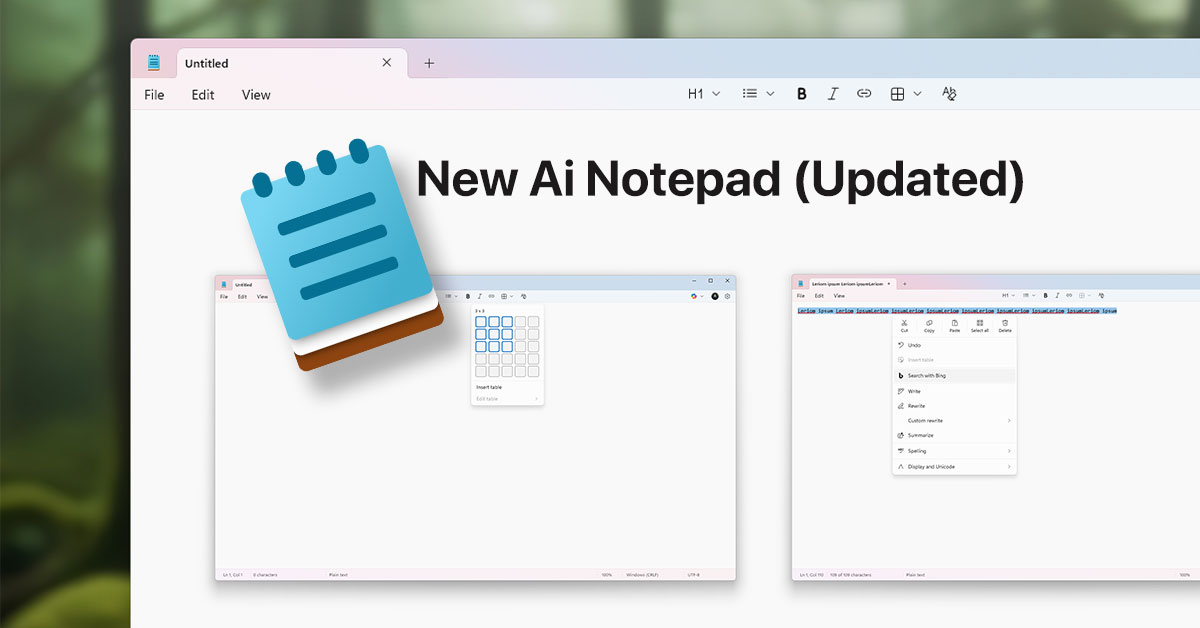
Microsoft has officially started rolling out a major Notepad update for Windows 11 to Windows Insiders in the Canary and Dev Channels. This update introduces AI-powered enhancements and expanded formatting capabilities, making Notepad more versatile and intelligent than ever before.
What’s New in Notepad (Version 11.2510.6.0)?
The latest update brings two groundbreaking features:
-
Expanded Formatting Support with Tables
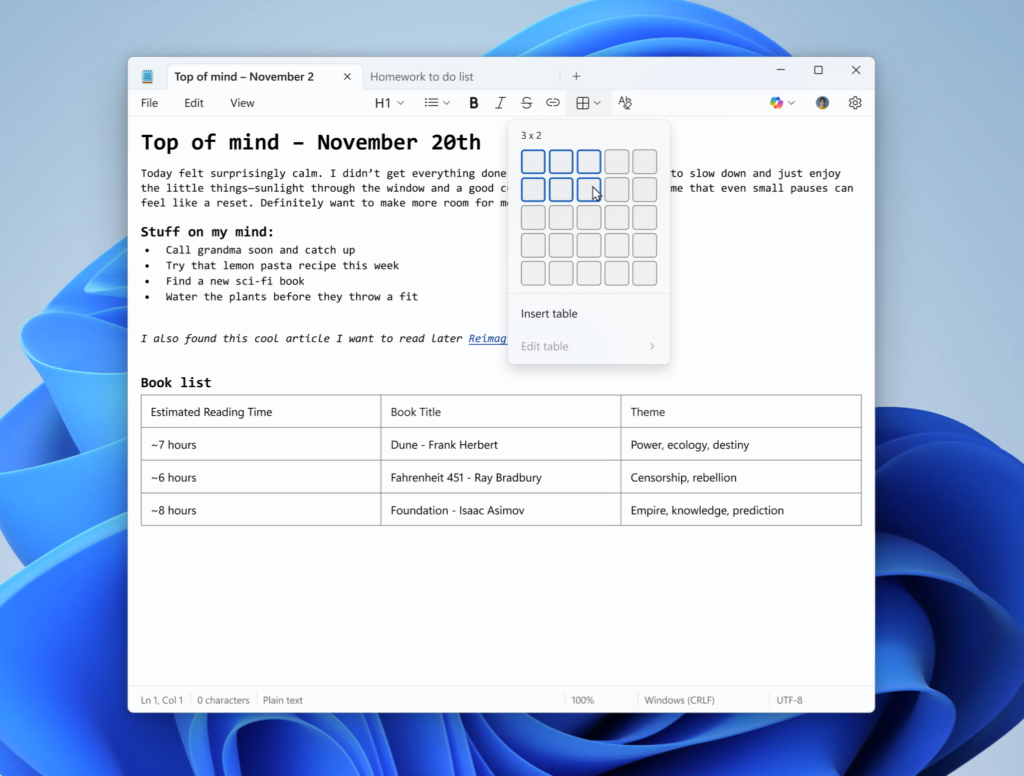
Notepad now supports tables, allowing users to structure notes more effectively. You can:
- Insert tables via the new Table option in the formatting toolbar.
- Use Markdown syntax for quick table creation.
- Easily add or remove rows and columns using the right-click context menu or the Table menu.
This feature transforms Notepad from a simple text editor into a lightweight productivity tool, perfect for organizing data and creating structured content.
-
Streaming Results for AI Text Features
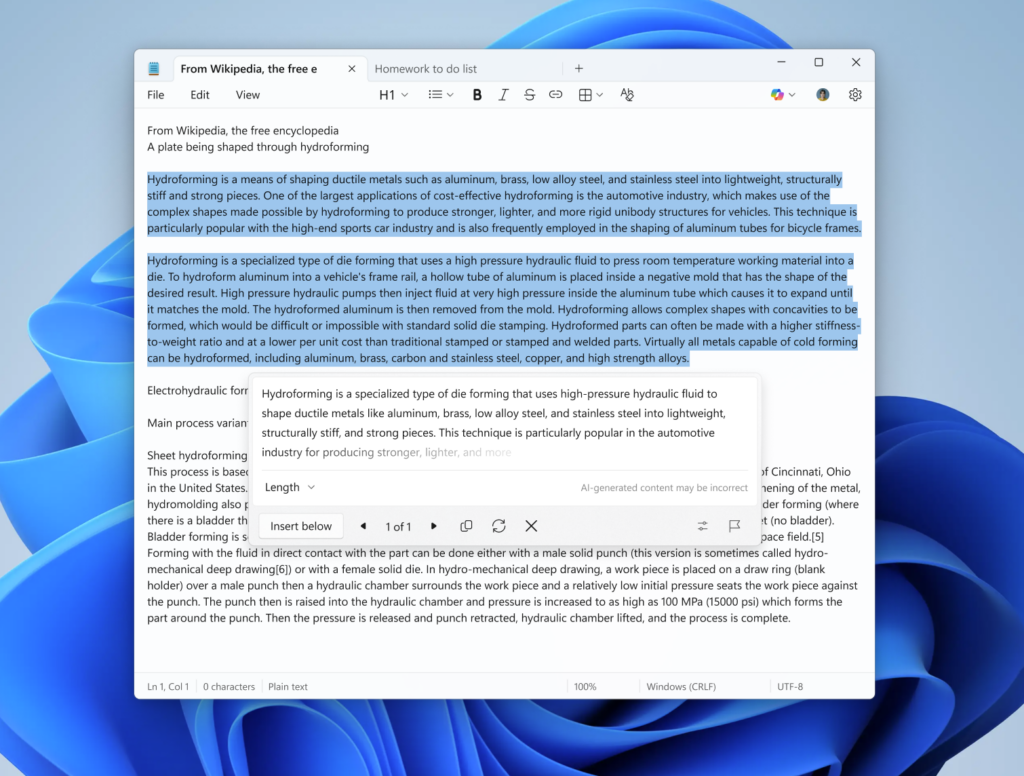
Microsoft is enhancing the AI experience in Notepad with streaming responses for:
- Write
- Rewrite
- Summarize
Instead of waiting for the full response, results now appear word by word, giving you a real-time preview. This makes AI-assisted writing faster and more interactive.
Note: Streaming support for Rewrite is currently limited to Copilot+ PCs. To access these AI features, sign in with your Microsoft account.
Why This Update Matters
This update marks a significant step in Microsoft’s vision to integrate AI into everyday apps. With Copilot AI features and advanced formatting, Notepad is evolving into a smart writing assistant for Windows 11 users.
How to Get the Update
- Available for Windows Insiders in the Canary and Dev Channels.
- Ensure your PC is running Windows 11 and sign in with your Microsoft account.
Feedback
Microsoft encourages users to share feedback via Feedback Hub (WIN + F) under Apps > Notepad.
Key Takeaways
- AI-powered writing tools make Notepad smarter.
- Table support adds structure and flexibility.
- Streaming AI responses improve speed and user experience.
Conclusion
The Windows 11 Notepad update is more than just a refresh—it’s a game-changer for productivity. With AI integration and advanced formatting, Microsoft is turning Notepad into a modern writing tool for the future.